Start with the job of the website
A gym website is not an online brochure. For an independent gym owner, its job is to turn a local searcher into an enquiry. That person may be checking your timings, comparing facilities, looking for a WhatsApp number, or deciding whether to book a trial workout. Your website should reduce doubt and make the next action obvious.
Do not begin with design. Begin with the enquiry path. Ask: if someone lands on the home page from search, can they find the location, timings, phone action, WhatsApp action, trial booking and membership enquiry without hunting? If not, the site is leaking leads.
The same thinking applies to a gym business website and a gym owner website. The page must work for a person standing nearby with intent. Keep the copy direct. Show what is inside the gym. Tell them when they can visit. Give them a clear button. Then make sure the front desk follows up quickly.
Treat the website as part of your sales desk, not as a separate project. The page promise, WhatsApp script, trial slot, walk-in handling and payment follow-up should match. If your site says trial workout available, the front desk must know how to book and confirm it. For the enquiry process after the lead comes in, use this pre-sales enquiry handling guide with your team.
- Write every page for a nearby prospect, not for a design award.
- Keep the main action visible: call, WhatsApp, enquiry or trial booking.
- Make location and timings impossible to miss.
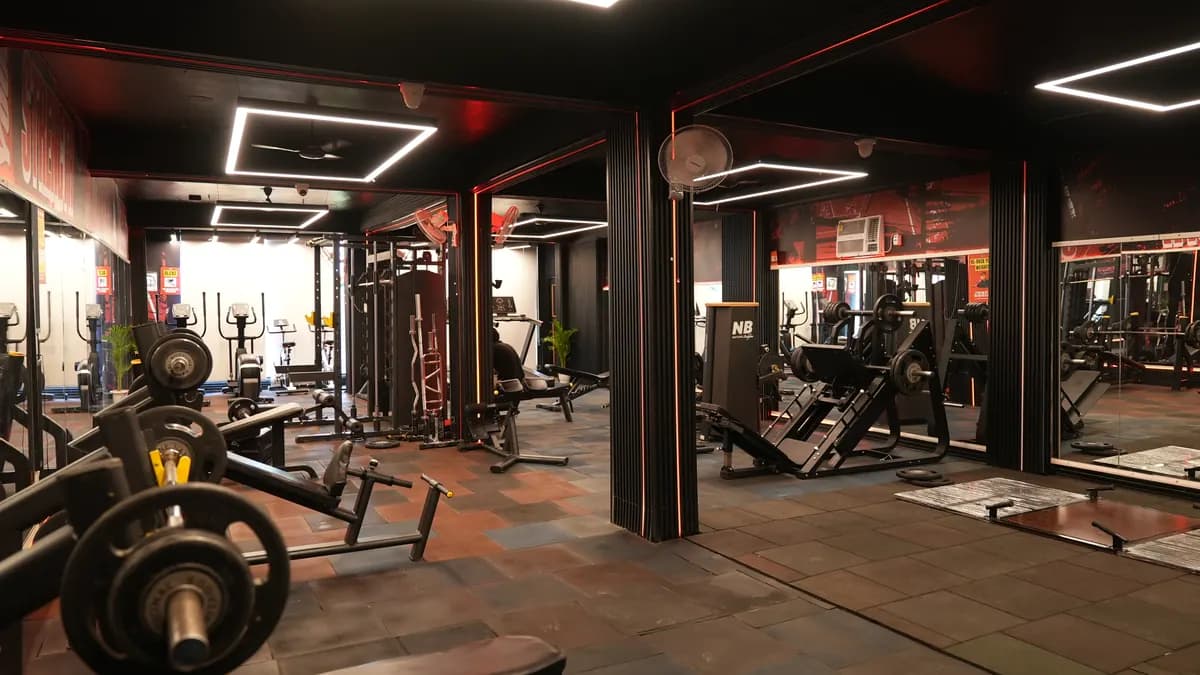
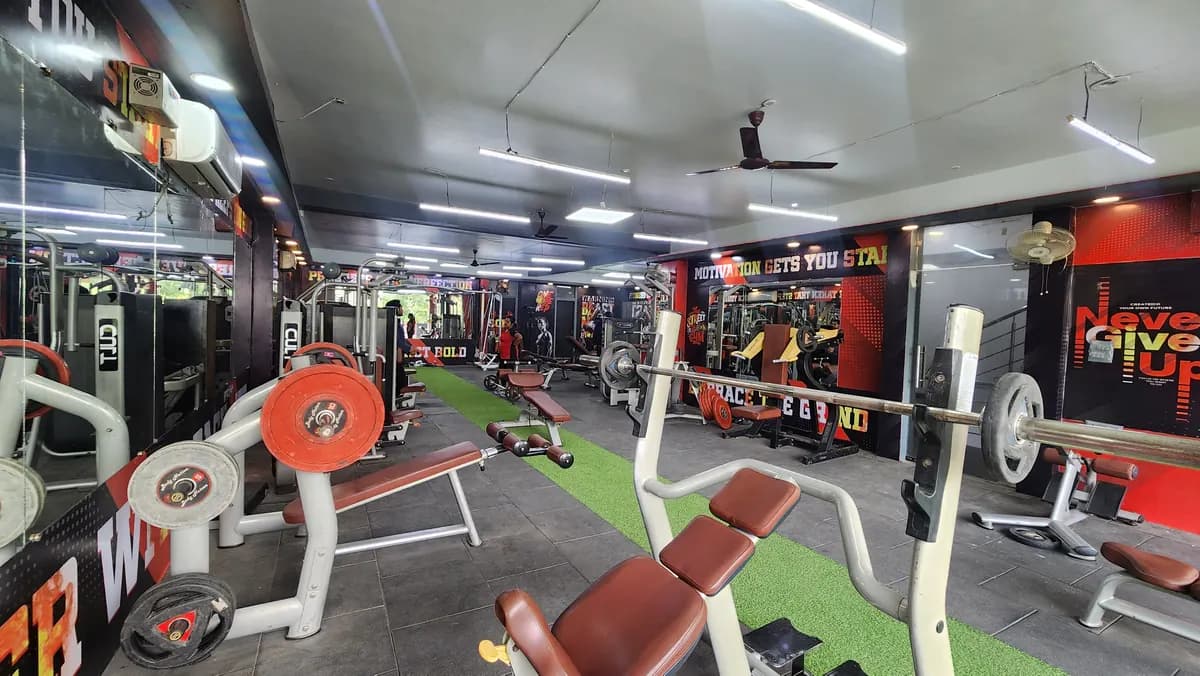
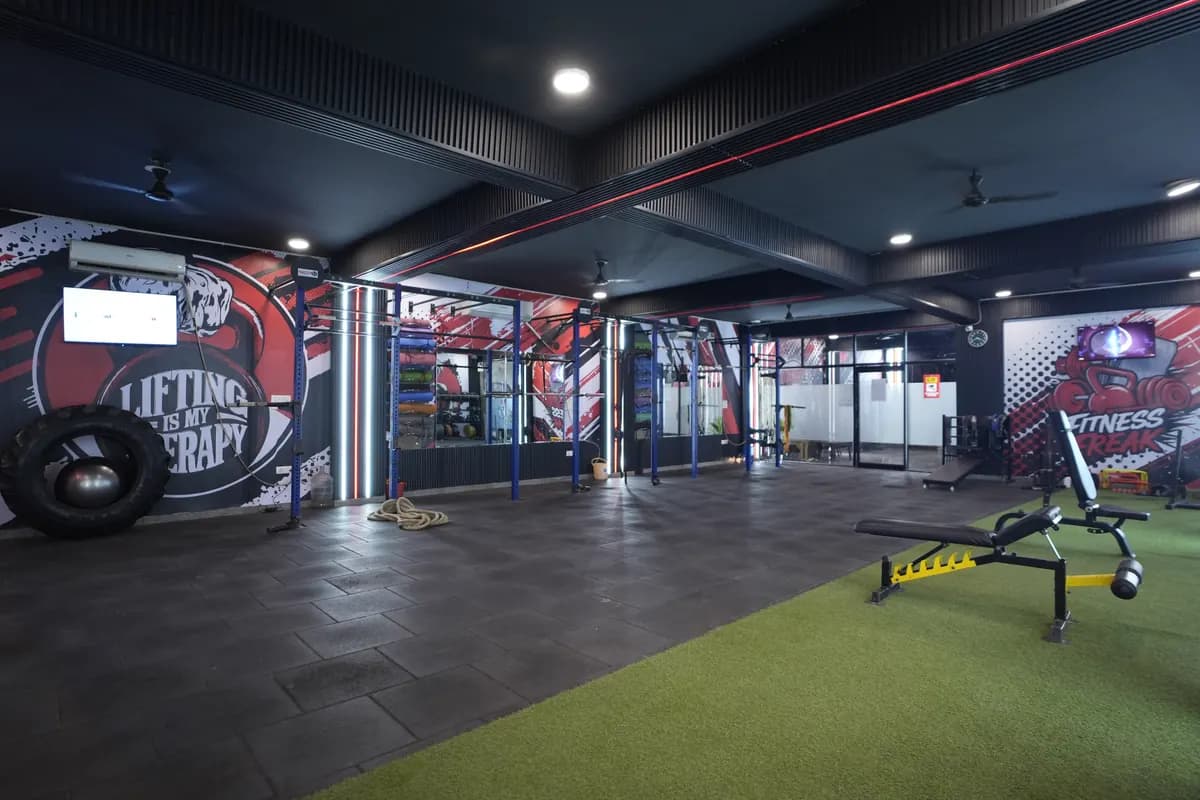
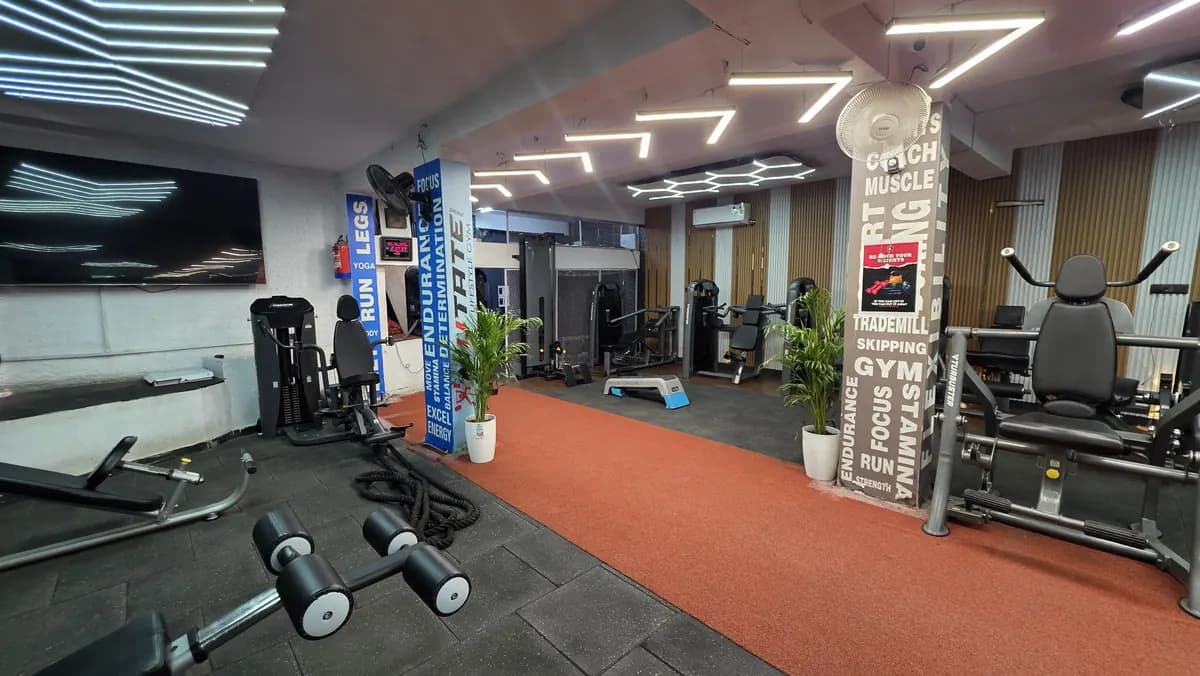
- Use real gym photos where you can control quality and permission.
- Connect every form fill to a clear follow-up owner or staff member.
Pages to include on a gym business website
Your site does not need to be heavy. It needs the pages a prospect expects before visiting. A good gym business website answers simple questions: Where is the gym? When is it open? What facilities are available? Who will help me? How do I book a trial workout? How do I ask for the membership plan?
Start with a home page that has the name, area, opening hours, main photos, key services, and visible enquiry actions. Add a membership or plans page that explains the types of plans without creating confusion. If your rates change by campaign, keep the page focused on enquiry and avoid outdated numbers.
Add a facilities page. Use plain labels: strength area, cardio area, functional area, group training, personal training, steam, locker, parking, or whatever actually exists in your gym. Do not add facilities that are not present. A mismatch between website and walk-in experience damages trust at the sales desk.
Add a trainers or coaching page if your trainers are a selling point. Keep it simple: trainer name placeholder, role, certification if verified by you, speciality, and shift if you want prospects to know when they can meet that person. Do not write claims you cannot prove.
Add a contact page with the map area, full address, WhatsApp click, call click, timings, and a link to your Google listing. If you are still setting up the business side, pair the site work with your gym business plan so enquiry targets and sales follow-up are not separate from cash planning.
- Home page: who you are, where you are, what action to take.
- Membership enquiry page: plan types, enquiry form, WhatsApp action.
- Facilities page: only what is actually available.
- Trainer page: roles and verified details only.
- Trial booking page: preferred slot, name, phone and confirmation step.
- Contact page: address, timings, WhatsApp, call and Google listing link.
What the home page must say above the fold
The top section of the home page should not be clever. It should be useful. Put the gym name, area, one clear line about the type of gym, and the main action button. If the gym is near a landmark, use the landmark only if it is a genuine way people find you.
A weak headline says: transform your life. A stronger owner headline says: gym in [Area] with strength training, cardio and personal training. The second version helps the visitor confirm that they are in the right place. Keep it grounded. Prospect ko pehle samajhna hai ki gym kahan hai aur entry kaise leni hai.
Your buttons should not fight each other. Keep the main button for WhatsApp or trial booking. Keep call as a secondary action. If you run ads, the landing page can have fewer menu links and stronger enquiry copy. For ad landing pages and tracking, read this gym ads guide before spending money on traffic.
Add a short proof section under the top area, but do not make claims that sound bigger than your operation. Use proof you can show: actual gym photos, trainer names, timings, facility list, member rules, and a direct route to visit. The goal is not to impress everyone; it is to make a serious local prospect take the next step.
- Headline: gym type plus area.
- Sub-line: main facilities or coaching style.
- Button: WhatsApp, call or trial booking.
- Trust cue: photos, trainer details, timings or location.
- Map cue: link to Google listing on the contact area.
Use WhatsApp, call and trial booking properly
For many gym enquiries, WhatsApp is the fastest handover from website to sales desk. Put a click-to-WhatsApp button on the home page, plan page, trial page and contact page. Use a pre-filled message so the prospect does not have to think.
Copy this message for your website button: Hi, I want to know membership details for [Gym]. My name is [Name]. I am interested in joining from [Date]. Please share timings and trial workout availability.
Use this reply from your front desk: Hi [Name], thanks for contacting [Gym]. We are open at [Timings]. You can visit us on [Date] for a trial workout. Please share your preferred time and fitness goal so we can guide you properly.
Use this confirmation message after the slot is fixed: Hi [Name], your trial workout at [Gym] is noted for [Date] at [Time]. Please reach a little before your slot and carry comfortable workout clothes. Ask for [Staff Name] at the desk.
The website cannot close the sale alone. It can only create a clean handover. Assign the WhatsApp number to the person who will actually respond. If the owner handles every chat, make a simple rule for when staff can reply and when the owner steps in. For message flows, follow-ups and broadcasts, keep this gym WhatsApp marketing guide open while you set the website links.
- Use one main WhatsApp number for enquiries.
- Keep the opening message pre-filled.
- Ask only for details needed to book the visit.
- Confirm the trial workout clearly.
- Move serious leads into your follow-up sheet or system immediately.
Add the Google listing link and keep local details clean
Your contact page should link to your Google listing because many prospects use it to check directions, photos, reviews and opening hours. Do not hide this link at the bottom only. Put it near the address and near the visit instruction.
Use the same gym name, address and phone style everywhere you control: website header, footer, contact page, WhatsApp message, Google listing and ad landing page. If these do not match, the prospect may hesitate before visiting. The owner should check this personally after any phone change, timing change or renovation.
Your website should also show practical visit details. Mention parking only if available. Mention floor access only as it actually is. Mention women’s batch, personal training, group class or trial workout only if the staff can handle the enquiry properly. Never make the website stronger than the floor operation.
Add photos that help someone decide to visit: reception, workout floor, equipment zones, washroom or locker area if appropriate, and entrance. Avoid images that look unrelated to your own gym. If a prospect reaches the wrong expectation, the walk-in conversation becomes harder.
For deeper work on the local listing itself, use this Google listing guide for gyms. Your website and listing should support each other, not repeat different information.
- Put the Google listing link on the contact page.
- Use the same phone number across website and listing.
- Check timings after any schedule change.
- Show real visit information, not vague promises.
- Make directions simple for a person already on the way.
What to skip on a gym owner website
A gym owner website should not become a dumping ground. Skip long mission statements that do not help the visitor act. Skip heavy animation that delays the enquiry button. Skip copied fitness slogans. Skip stock photos that make your gym look different from the real floor.
Do not publish complicated plan tables unless your team is ready to explain them. If your front desk changes prices during campaigns, outdated website pricing creates arguments. Use a membership enquiry page that says what plan types exist and asks the person to contact the gym for the current offer. For offer planning without hurting margin, see these gym offer ideas.
Skip forms that ask for too much. Name, phone, preferred time and goal may be enough for a trial booking. If you ask for many fields, a serious prospect may leave. Keep the form short and move the detail collection to the call or WhatsApp chat.
Skip blog sections if you will not maintain them. A neglected blog can look careless. If you want content, write only useful local pages and service pages. For example, a personal training page can explain how assessment, goal setting and trainer matching work inside your gym.
Skip anything the staff has not been trained to handle. If the site promotes personal training, the floor manager must know the pitch. If the site promotes trial workout, the trainer must know the trial flow. Website copy and gym SOPs should match. Use this gym SOPs checklist to align the front desk, floor and trainer handover.
- Skip stock photos that misrepresent the gym.
- Skip unclear slogans without location or action.
- Skip slow effects that hide the enquiry button.
- Skip outdated prices.
- Skip long forms.
- Skip services your team cannot deliver consistently.
Turn website leads into joined members
Once the website starts sending enquiries, the owner’s work shifts to tracking. Create a simple lead sheet or system. Capture source, name, phone, enquiry type, preferred visit time, follow-up owner, status and next action. If nobody owns the lead, the website effort is wasted.
Decide the lead stages before the site goes live. Use stages such as new enquiry, contacted, visit booked, visited, plan shared, joined, not interested and follow-up later. Keep the language simple so every front desk person uses the same words. Review missed calls and WhatsApp chats daily.
The trial workout should have a fixed flow. Welcome the person, understand the goal, show the floor, assign a trainer for the session, explain the suitable plan, and record the outcome. Do not let trial visitors wander without staff attention. A website lead is warmer than a random passer-by because the person has already searched and clicked.
If you use software, make sure the website form can feed the same place where your team tracks calls, visits and renewals. The tool matters less than discipline: every lead must be visible, assigned and followed up. To connect the website with operations, CRM and staff routines, read the gym management system guide.
WTF Powered runs gym operations for owners while the owner keeps the gym, lease, licence and final decision. If you want an operator to inspect your enquiry flow, trial booking, WhatsApp handover and website gaps, book the free gym audit; the team calls the same day.
- Assign every website enquiry to a person.
- Use simple lead stages.
- Confirm trial workout slots on WhatsApp.
- Record who visited and who did not.
- Review lost leads and fix the reason.