Start with the profile before chasing reviews
Gym Google reviews work better when the profile around them is clean. A member may praise your gym, but if the profile has confusing contact details, weak photos, or old service text, the enquiry still becomes harder for the front desk. Pehle profile saaf karo, phir reviews maango.
Open your Google Business Profile and read it like a new enquiry. Do not read it like the owner who knows everything already. Check whether a person can understand your gym name, location, call option, website, timing, services, and photos without calling to clarify basic details.
Keep the profile language simple. Avoid stuffing it with every phrase you can think of. Write what a real local member would need to know before visiting: where the gym is, what kind of training support is available, what the facility feels like, and how to contact the gym.
Your profile should match the rest of your marketing. If your ad promises strength training, the profile should not look like only a cardio space. If your front desk sells personal training, the profile should not hide trainer-led support. Use gym marketing ideas to keep your profile, social content, and enquiry follow-up aligned.
- Check the gym name for spelling and consistency.
- Check the phone number by calling it from another phone.
- Check the map pin from the road outside the gym.
- Check the website or landing page link.
- Check the business hours shown on the profile.
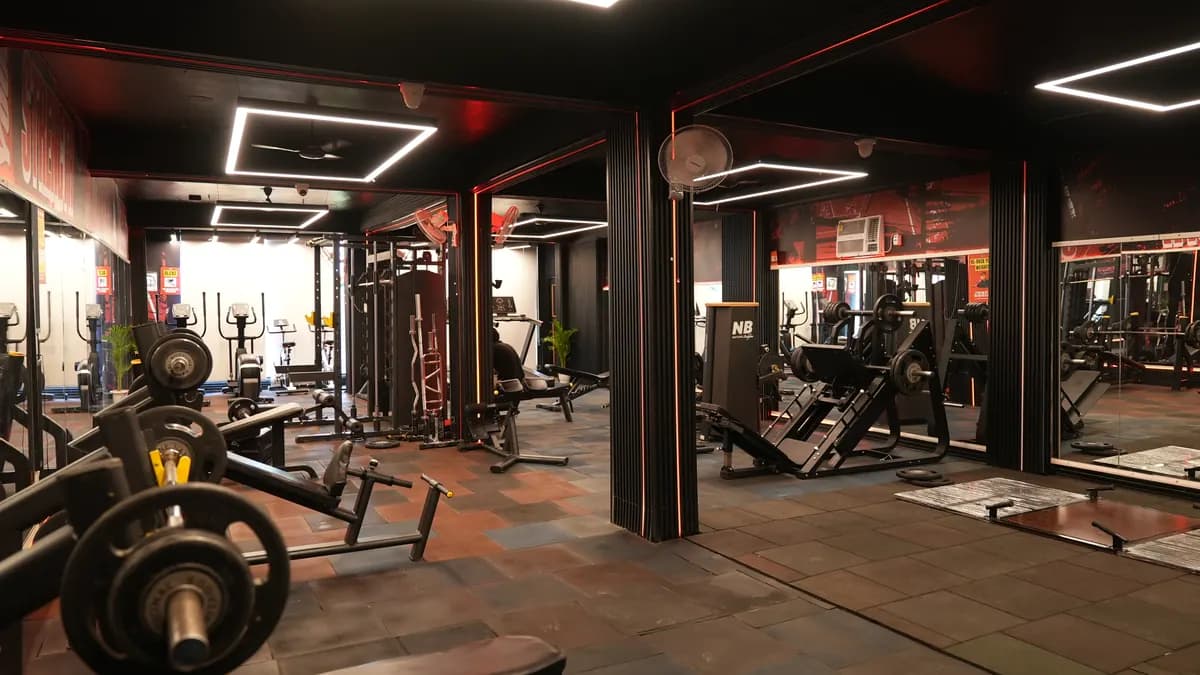
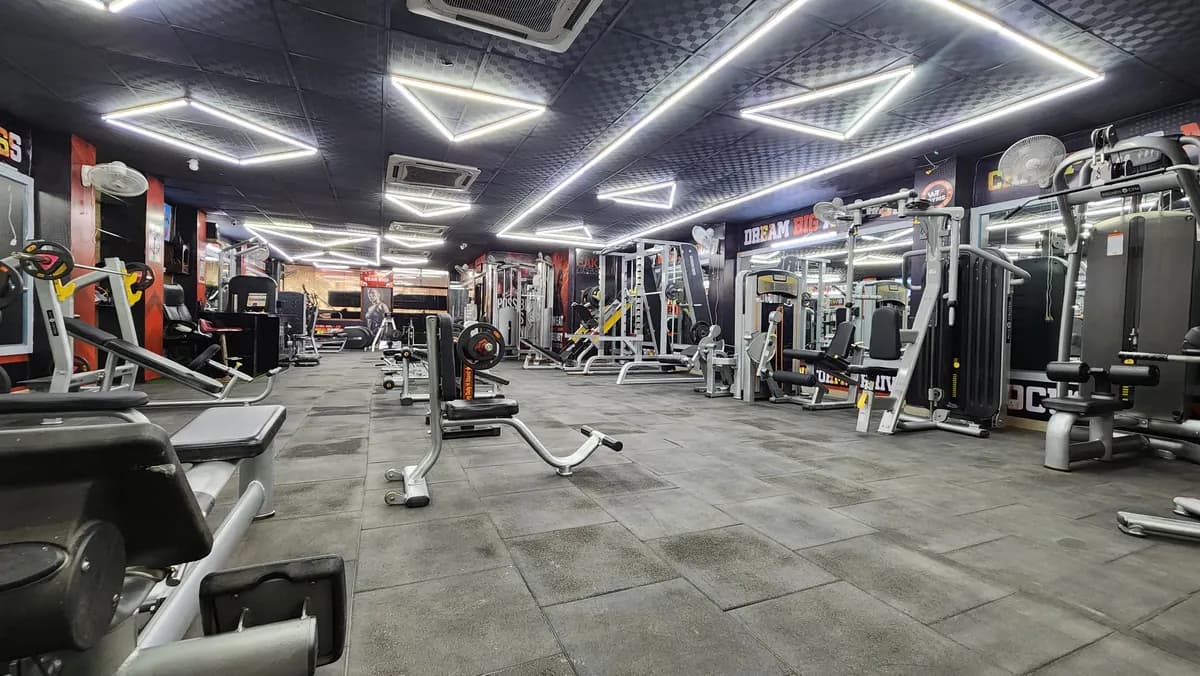
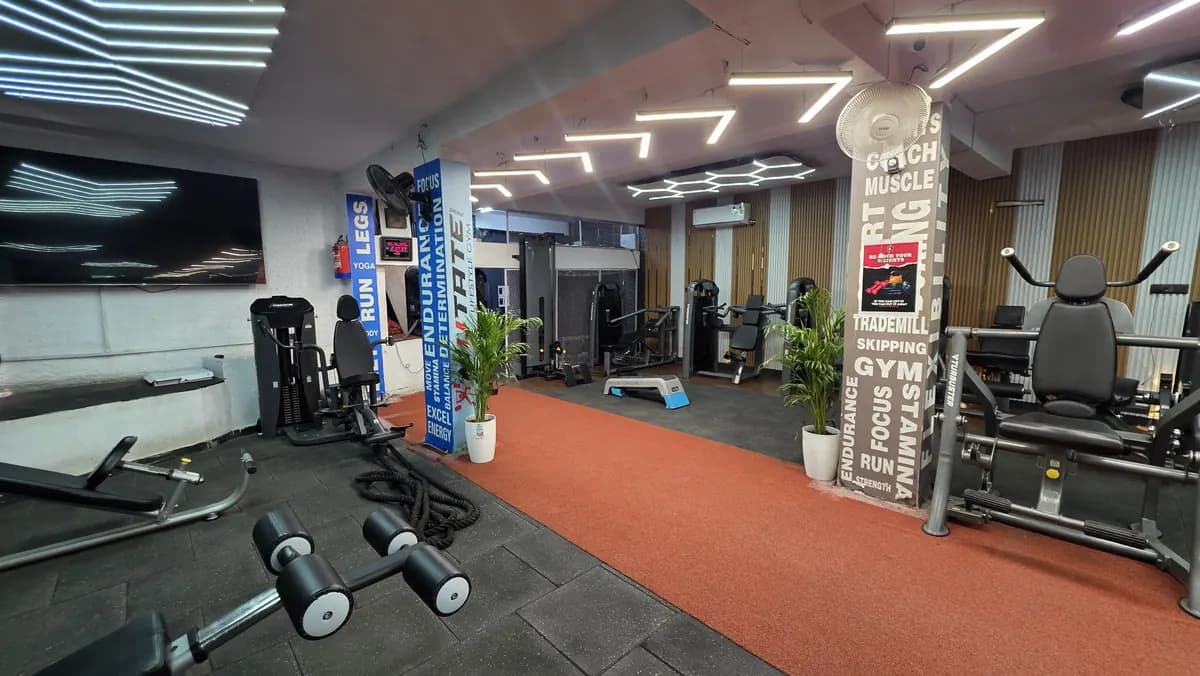
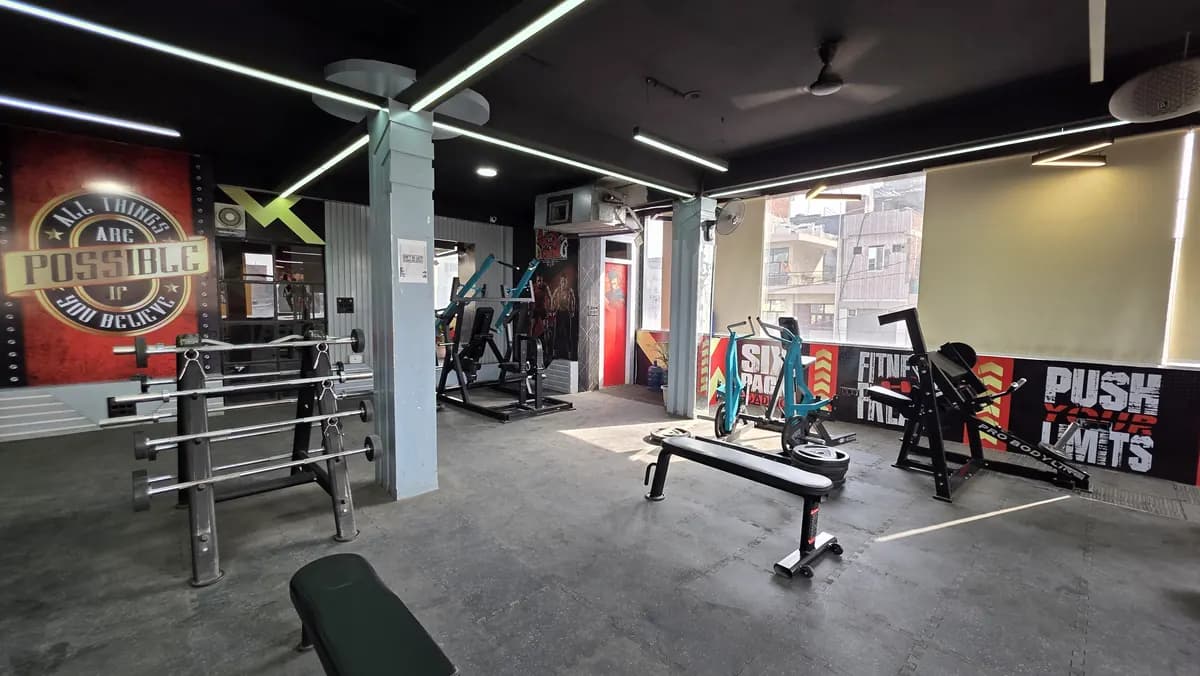
- Add clear photos of reception, strength area, cardio area, free weights, changing area, and entry.
- Remove photos that make the gym look dark, empty, cluttered, or under repair.
- Write services in member language, not owner language.
- Make the enquiry path obvious: call, message, visit, or book a trial.
Turn review asking into a front desk habit
How to get google reviews for gym is not solved by one broadcast message. It is solved by a simple habit at the right moment. Ask when the member has just felt value: after a helpful induction, after a trainer correction, after a smooth issue resolution, after a renewal conversation, or after a visible fitness milestone.
Do not make the ask sound like begging. Do not make staff say, please give rating now. Ask for honest feedback. If the member is happy, give the review link. If the member is upset, listen first and fix the issue inside the gym. A review request should never replace service recovery.
Put the ask into your daily reception flow. When a member thanks the trainer or front desk, the staff member should know the next line. If review asking depends only on the owner remembering, it will stop whenever the owner gets busy. Add it to your gym SOPs checklist so staff can repeat it without confusion.
Use short WhatsApp messages. Keep them warm, not pushy. Send only after a real interaction, not to every contact in your phonebook. The message should make it easy for the member to respond, but it should not tell them what rating to give.
- Front desk script: Thank you, [Name]. Glad you liked the session. If you are comfortable, please share your honest experience on our Google profile. It helps new members understand what to expect at [Gym].
- WhatsApp message: Hi [Name], thank you for training with us at [Gym]. If your experience has been good, please leave an honest Google review here: [Review Link]. Your feedback helps our team improve.
- Trainer script: [Name], you have been consistent and it shows. If the gym has helped you, please share your experience on Google. Write in your own words.
- After issue resolution: Hi [Name], thank you for allowing us to fix the issue. If you feel the matter was handled well, you can share your honest feedback here: [Review Link].
- Renewal moment: Thank you for renewing, [Name]. We are happy to keep training with you. If [Gym] has been useful in your routine, please share a Google review when convenient.
Set rules so staff do not damage trust
Review asking needs rules. Without rules, staff may pressure members, ask in the wrong tone, or chase only the rating instead of the experience. That creates awkwardness inside the gym. The owner must decide what is acceptable and train the team on the same line.
Never ask staff to write a review from a member phone. Never ask a member to copy a prepared praise message. Never trade a discount for a review. Never argue with a member who refuses. A clean review habit is slower than a shortcut, but it protects the gym’s trust.
Do not hide complaints from review work. A complaint is a signal. If a member mentions hygiene, trainer attention, crowding, music, billing confusion, or equipment downtime, note it and send it to the person who owns that area. If your team does not close complaints, review replies become public drama instead of service improvement.
Use a simple complaint log with owner visibility. Capture member name, issue, staff owner, action taken, and current status. If your team struggles with angry members, use a dedicated handling process from member complaint handling and train the front desk to stay calm.
- Ask only after a real service moment.
- Ask for honest feedback, not a fixed rating.
- Do not touch the member phone.
- Do not write the review for the member.
- Do not reward only public praise.
- Do not fight in chat if the member says no.
- If the member complains, pause the review ask and solve the issue.
- Owner should check the complaint log during the weekly review.
Reply to reviews like an owner, not a bot
Replying is part of google my business for gym work. A reply shows the gym’s tone. Do not use the same cold line on every review. Do not get defensive. Do not write long essays. Thank the person, mention the experience if useful, and show that the team is listening.
For positive reviews, keep it human. Mention the trainer or service area only if the member has already referred to it. Avoid making claims you cannot support. A short reply from the gym feels better than a pasted line that could belong to any business.
For neutral reviews, do not panic. A neutral review can show you where the member expected better. Thank them and invite a direct conversation. If they mention a fixable issue, say you will review it with the team. Then actually do it.
For negative reviews, the owner’s job is control. Do not argue point by point in public. Do not expose membership details. Do not blame the member. Acknowledge the concern, move the conversation to a private channel, and assign someone to close the loop. If the issue is about billing, trainer conduct, facility cleanliness, or crowding, the reply must connect to an internal action.
- Positive reply: Thank you, [Name]. We are glad you are enjoying training at [Gym]. Your feedback means a lot to the team.
- Trainer praise reply: Thank you, [Name]. Happy to know the coaching support helped you. We will share this with the floor team.
- Neutral reply: Thank you for the feedback, [Name]. We will review this with the team and would like to understand your experience better. Please contact us at [Phone].
- Negative reply: Hi [Name], sorry to hear this. We would like to understand what happened and resolve it properly. Please contact [Manager Name] at [Phone], or visit the desk on [Date].
- Resolved complaint reply: Thank you for speaking with us, [Name]. We have noted the issue and taken it up with the team. We appreciate your feedback.
Use photos, posts, questions, and insights with the same discipline
Reviews do not sit alone. A prospect will see the profile as a whole. The photos, posts, service text, questions, and replies should tell the same story. If the gym is active inside but the profile looks ignored, you are creating doubt before the enquiry reaches your desk.
Set a simple profile round for your staff. Update photos when the gym looks clean and active. Keep captions direct. Use posts for real gym information: batch update, trainer-led session, facility update, event, offer, or reminder. Do not make the profile look like a poster dump.
If you run paid campaigns, your profile becomes part of the trust path. A person may see an ad, search the gym name, read reviews, and then call. So the review process should connect with ad measurement. Use gym ads to build a cleaner flow from ad click to enquiry to visit.
Use the questions section as a front desk helper. If prospects keep asking about trial, personal training, timing, parking, women’s training support, locker use, or plan options, prepare clear answers in your own language. Do not overpromise. Do not write policy text that staff cannot honour.
Use insights as a review meeting input, not as decoration. Look at profile actions, enquiry quality, calls, direction requests, and common search behaviour if your profile shows it. Then compare that with front desk logs. The profile may look active, but the sales log will tell you whether it is converting into visits.
- Photo rule: clean floor, clear lighting, no unsafe lifting posture, no messy reception desk.
- Post rule: share real updates only; avoid noise.
- Question rule: answer like a front desk person, not like a brochure.
- Service rule: list services that your team can actually deliver.
- Insight rule: discuss profile activity with enquiry records.
- Complaint rule: if a review mentions an issue, add it to the operations log.
- Sales rule: ask new walk-ins how they found the gym and record the answer.
Run a weekly owner review, not random checking
The owner should not open the profile only when a bad review appears. Set a weekly owner review. Keep it short and operational. The goal is to check whether the profile is accurate, review asking is happening, replies are pending, and complaints are being closed.
Use a small dashboard. It can be a sheet, a notebook, or your gym management system. Track review requests sent, new reviews received, replies pending, complaints raised from reviews, staff owner, and action status. If you already use software for members and follow-ups, connect the profile work to that operating rhythm. A gym management system is useful only when staff actually enter the right actions.
Do not treat the review score as the only metric. The better owner question is: what did members praise, what did they complain about, and what did the staff change? If every review says trainer support is good, use that in sales conversations. If complaints repeat around crowding or cleanliness, fix operations before asking for more public feedback.
Give the front desk a closing routine. Before leaving, the staff member should check missed calls, enquiry notes, pending review requests, unresolved complaints, and profile messages if used. Review work belongs with sales and service, not with a random marketing folder.
If you want a fresh eye on your profile, enquiry flow, and review process, book the free gym audit; the team calls the same day.
- Owner check: is the profile information correct?
- Owner check: are fresh photos needed?
- Owner check: did staff ask at the right moments?
- Owner check: are replies pending?
- Owner check: did any review mention an operational issue?
- Owner check: who owns the fix?
- Owner check: did the fix actually happen?
- Owner check: what should the front desk say from tomorrow?