Start with the problem at the front desk
A gym biometric system is not a decoration for reception. It is an entry control habit. Before buying anything, write down what you want the system to stop, what you want it to show, and who will act on the attendance data.
Manual check-in usually fails because nobody owns it fully. The front desk is busy with enquiries, trainers are calling members to the floor, and an existing member walks in without any real check. That creates arguments later: membership active or not, session used or not, guest allowed or not.
Your aim is simple: every entry should leave a clean record. If the member is active, entry is smooth. If the plan has expired, the front desk gets a prompt to talk. If access is not allowed, the staff has a polite script instead of an argument.
Do not start with hardware. Start with rules. A fingerprint device, face device or card reader will only follow your rules. If the rules are unclear, the system will only make unclear work faster.
If your gym already has loose SOPs, fix those beside the entry project. Use the gym SOPs checklist to define who opens the entry area, who checks exceptions, who updates member status, and who closes the day.
- Write the exact access rule for active members.
- Write the exact access rule for expired members.
- Write the exact access rule for trial session visitors.
- Write the exact access rule for guests.
- Write the exact access rule for staff entry.
- Write who can override the system.
- Write where the override is recorded.
- Write what happens when the device or network is not working.
Choose between fingerprint, face and card entry
Do not treat biometric attendance for gym use as a single fixed setup. Some gyms prefer fingerprint. Some prefer face. Some use cards. Some use a mix because member comfort, reception space and staff supervision are different in each gym.
Your selection should depend on the member journey. Stand at the entrance and watch the path: door, reception, shoe rack, turnstile or gate, waiting area, floor. The check-in point should not block enquiries, payment talks or members leaving after workout.
Ask the vendor to show the actual check-in flow, not just the device. The demo should cover enrolment, active entry, expired membership alert, manual override, report export and staff access. If the system cannot show these flows clearly, your team will struggle after installation.
Avoid buying a system only because the device looks modern. A gym attendance system is useful only when the data reaches the person who must act on it. Attendance that sits in a device but does not help renewals, calling, access control or staff discipline is weak data.
If you are building your wider tech stack at the same time, map this decision with the gym technology stack so check-in, member records, payments, communication and reporting do not become separate islands.
- Can the system mark an active member without manual typing?
- Can the system show an expired or blocked member at entry?
- Can the staff see the member name clearly before allowing entry?
- Can the owner view attendance without asking reception for screenshots?
- Can staff entry be separated from member entry?
- Can manual override be logged with a reason?
- Can data be exported for review?
- Can the device continue work through a planned backup routine?
Write the access control rules before installation
Gym access control is not only about stopping someone at the door. It is about making the same decision every time. If reception allows entry based on mood, friendship or pressure, the device becomes a formality.
Create an access rule sheet and keep it at the front desk. It should be simple enough for a new receptionist to follow without calling the owner for every exception. Staff ko rule yaad nahi, sheet yaad honi chahiye.
Link access to membership status. Active means entry allowed. Expired means renewal conversation. Hold means staff checks the note. Trial session means entry only after the enquiry record is created. Guest means entry only after the owner-approved rule is followed.
If your gym management system is separate from the entry device, decide who updates member status and when. If the payment is collected but the membership is not updated, the member will be stopped wrongly. If an expired plan remains active, the gym loses control.
For a broader process view, use the gym management system guide to connect software, people and process instead of treating attendance as an isolated gadget.
- Access rule sheet template: Member active: allow entry and greet by name.
- Access rule sheet template: Membership expired: request the member to meet reception before workout.
- Access rule sheet template: Payment dispute: call the manager before allowing entry.
- Access rule sheet template: Trial session: create enquiry record before entry.
- Access rule sheet template: Guest: follow the guest rule approved by owner.
- Access rule sheet template: Staff: mark staff entry separately from member entry.
- Access rule sheet template: Device failure: use manual register and update later.
- Access rule sheet template: Override: record name, reason and staff initials.
Handle privacy, consent and local compliance carefully
Biometric or face-based entry uses sensitive member information. Do not copy a notice from another gym. Ask your lawyer to check the consent text, retention process and member communication. Ask your CA or local authority only for areas that touch your registrations, documents or business records.
Keep the member explanation plain. Avoid scary language and avoid vague promises. Tell members why the check-in is used, what the gym uses it for, who to contact, and what alternative process exists if the member has a genuine concern.
Do not let every staff member access raw attendance data. Decide who can enrol, who can edit, who can view reports and who can export. The fewer hands in the data, the easier it is to control mistakes.
Place a short notice near reception. Also train the front desk to say the same line verbally. A notice that nobody can explain will create suspicion.
If licence or registration categories are being reviewed during the upgrade, use this gym licence and registration guide as a checklist, then confirm the final requirement with the relevant local authority.
- Consent line template: I understand that [Gym] uses check-in data to manage member access and attendance.
- Reception notice template: [Gym] uses fingerprint, face or card check-in for member entry. For questions, speak to reception.
- Member concern script: I understand your concern. Let me note it and ask the manager to explain the process before we enrol you.
- Data access rule: Only approved staff can enrol or edit member check-in records.
- Export rule: Attendance reports are shared only with the owner or approved manager.
- Correction rule: If a member record is wrong, reception must correct it and write the reason.
- Deletion or retention rule: Confirm the correct process with your lawyer before writing this in the gym policy.
Plan the rollout so members do not get irritated
A check-in upgrade fails when members feel surprised at the door. Announce it before rollout, train staff before members arrive, and keep an assisted enrolment desk until the habit settles.
Use simple communication. Members do not need a technical essay. They need to know what is changing, why it helps entry, and whom to ask if they face an issue.
Start with staff rehearsal. Make every front desk person practise enrolment, failed scan, expired membership alert, member objection and manual override. If your receptionist freezes during a queue, members will blame the system.
Then enrol members in a calm manner. Do not force enrolment during the rush if your team is not ready. Put a small sign at reception and have staff ask members after greeting them.
Keep owner visibility during rollout. Stand near entry during busy slots and watch the tone. The system may work technically, but the member experience depends on staff language.
If staff training is the weak point, this gym staff training program can help you build scripts, role practice and follow-up checks.
- Announcement template: Dear [Name], [Gym] is updating member check-in at reception. Please complete your enrolment on your next visit. Our team will help you at the desk.
- Reminder template: Hi [Name], your check-in enrolment is pending at [Gym]. Please ask reception before workout so your entry record stays updated.
- Objection reply template: We understand. The check-in is used to manage active member access and attendance. If you want details, the manager will explain the process.
- Failed scan script: Sorry, the scan did not read. Please wait while I check your member record and mark the entry correctly.
- Expired plan script: [Name], your plan is showing expired in our system. Please meet reception before starting the workout.
- Staff rehearsal task: Each front desk person must practise the member scripts aloud before rollout.
- Owner check task: Watch the entry area and correct staff tone on the spot.
Connect attendance to renewals and member habits
Attendance data becomes useful only when someone acts on it. A member who stops coming should not disappear silently. A member who comes regularly should not receive the same message as a cold lead. Use the gym attendance system to guide conversations, not only to open the gate.
Build simple owner reports. Look for active members who have not checked in recently, members nearing expiry, members with repeated failed entry, and trial session visitors who did not convert. These are action lists, not vanity charts.
Give each list to a named staff member. The caller should write the outcome in the member record. If the member says they are injured, travelling, unhappy or busy, that note should shape the next call.
Renewal work improves when timing is controlled. If attendance is dropping and expiry is near, reception should not wait for the last moment. If the member is regular and happy, the renewal talk is easier because the gym has proof of usage.
Use the gym renewal strategies guide to turn these attendance reports into actual calling and renewal tasks.
- Report name: Active members with no recent check-in.
- Report name: Members near plan expiry.
- Report name: Trial session visitors with no follow-up.
- Report name: Members stopped at entry due to expired plan.
- Report name: Manual overrides done by staff.
- Report name: Staff entries outside approved shift.
- Calling script: Hi [Name], we noticed you have not visited [Gym] recently. Is everything okay with your training routine?
- Renewal script: Hi [Name], your plan is nearing expiry. Since you are already training with us, shall we help you renew before access gets interrupted?
Keep a backup routine and review the entry zone
Every entry system needs a backup routine. Power, network, device error, member mismatch and staff mistake can happen. If the team does not know the fallback process, they will either block genuine members or allow everyone without control.
Keep a manual entry register for exceptions. The register should not become the main process. It should be used only when the device or member record needs attention, and it should be updated back into the system as soon as the issue is resolved.
Review the physical entry zone as well. If the check-in point is too close to the enquiry desk, it will disturb sales conversations. If it is too far from staff supervision, members may skip it. If it blocks the path, peak time irritation will rise.
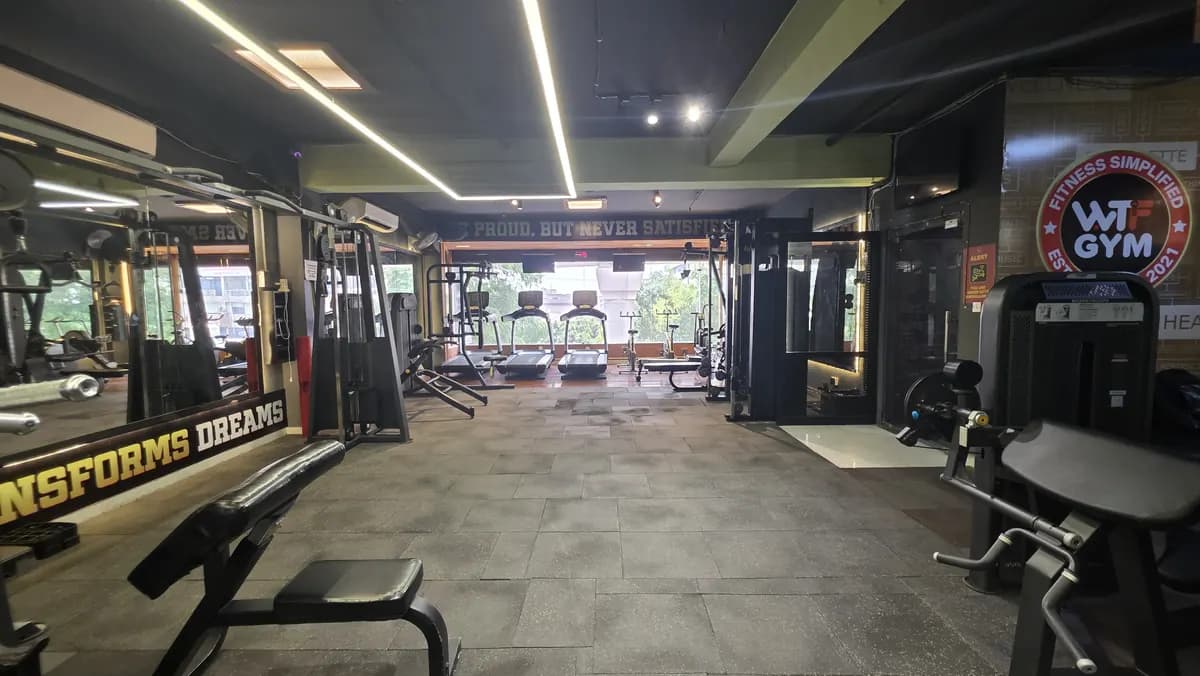
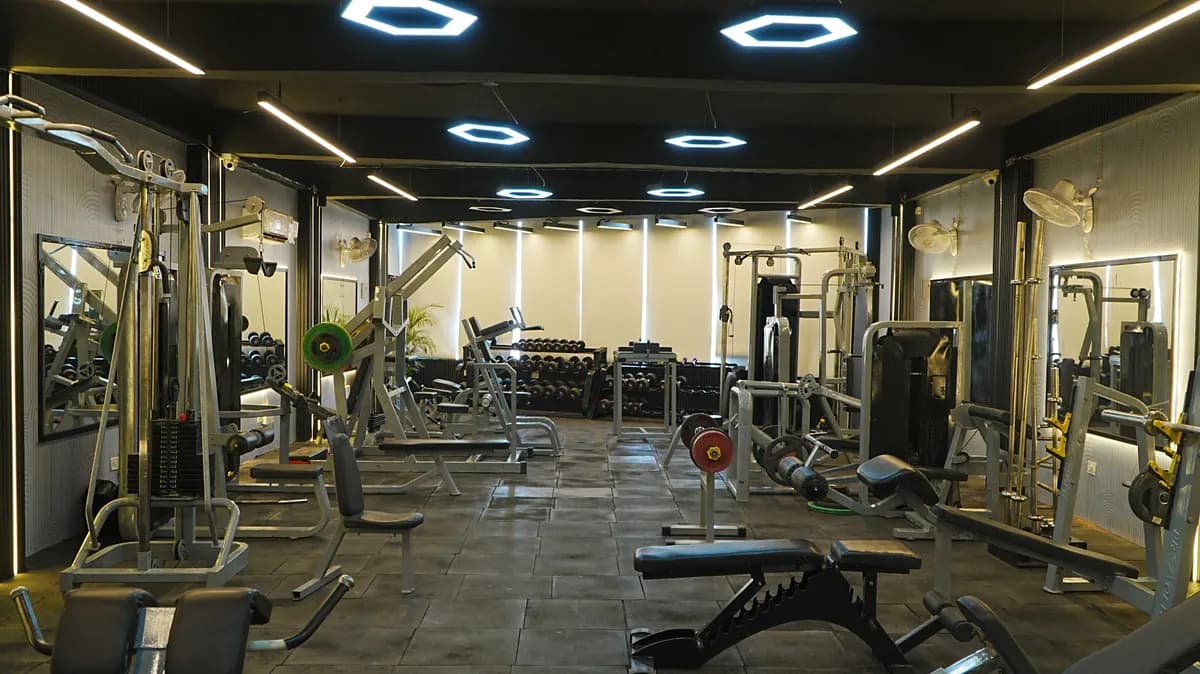
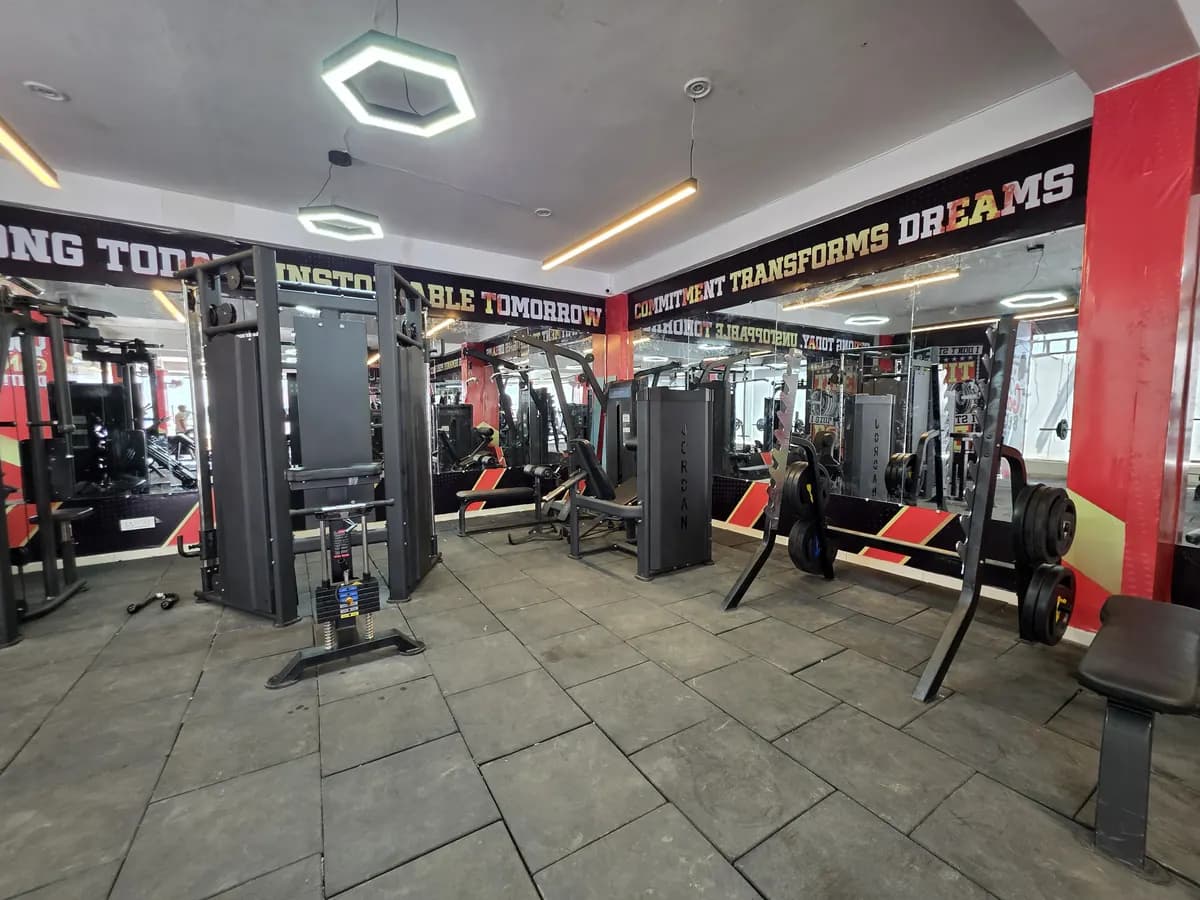
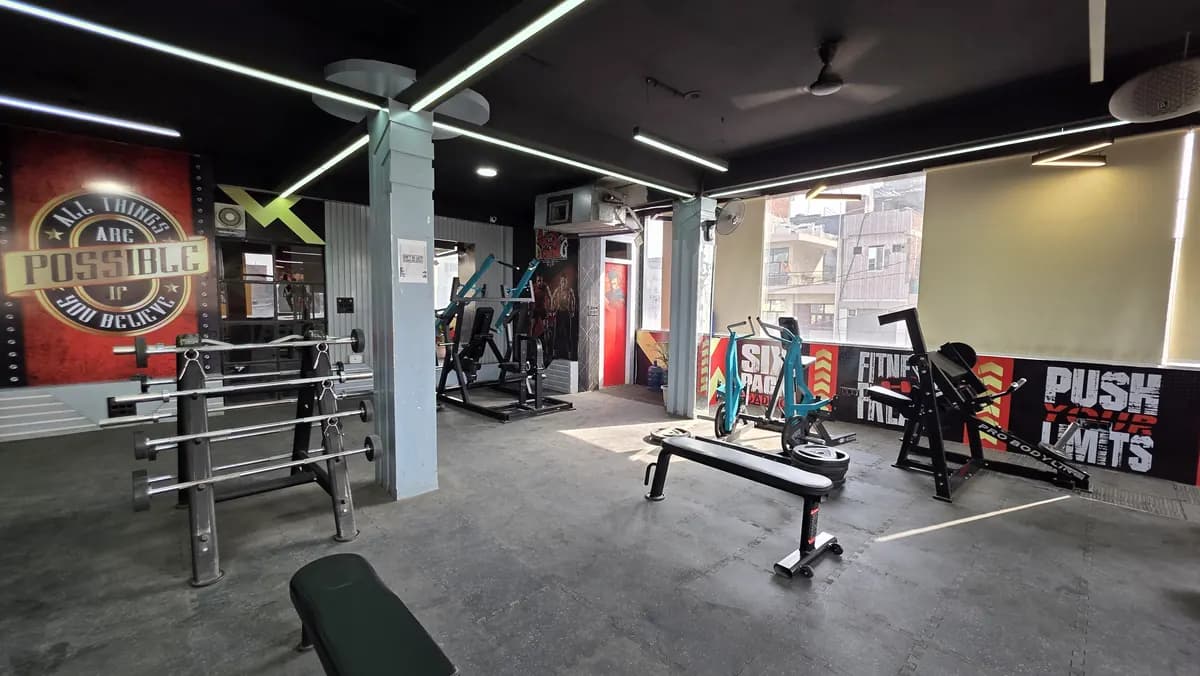
Equipment layout also affects entry discipline. Cardio placement, waiting area, shoe rack, reception desk and access point should guide the member naturally. For equipment buying or specifications, use WTF Gyms Equipment, a separate WTF business.
Add the entry device to your maintenance routine. Clean it as per vendor guidance, check mounting, test the reader, and keep the surrounding area visible. You can pair this with the gym equipment maintenance guide so entry hardware is not forgotten while machines get attention.
If you want another pair of eyes on your entry flow, book the free gym audit; the team calls the same day.
- Backup rule: If the device fails, reception checks the member record and writes a manual entry.
- Backup rule: If the member record is wrong, reception escalates to the manager before workout.
- Backup rule: If the member is expired, staff follows the renewal script and does not argue.
- Backup rule: If the queue builds, one staff member handles entry while another handles enquiries.
- Backup rule: If staff overrides entry, the reason must be written.
- Backup rule: If the same issue repeats, owner reviews the root cause instead of blaming the device.
- Backup rule: If a member refuses enrolment, record the concern and follow the lawyer-approved alternative process.