Start with the job of your gym Instagram
Your gym Instagram has a simple job: make a local person trust your gym enough to enquire, visit, or return to a pending conversation. It is not only for likes. It is not only for trainer videos. It is a sales support counter that stays open when your front desk is busy.
Before you plan content, write down what you want a follower to do after seeing a post. The action can be: send a DM, call the gym, ask for a trial session, book a visit, renew, refer a friend, or ask about personal training. If the post does not make the next step clear, it is incomplete.
Keep the page useful for a person who is deciding whether to walk in. Pin content that answers joining doubts. Show the entrance, floor, machines, trainers, washrooms if relevant, group class energy, member support, and the actual process after enquiry. Do not make the profile look like a page only trainers understand.
Write the bio like a front desk board. Mention the gym name, location area, who the gym is for, and how to enquire. Use a simple call to action such as: DM JOIN, call now, or visit reception. If your offer changes, change the bio. Purana offer bio mein mat rakho.
Connect this work with the rest of your marketing. Social media should support calls, WhatsApp follow-up, walk-ins, renewals and ads. If you need broader channel ideas, keep this gym marketing ideas guide open while building your monthly plan.
- Profile check: clear name, clear location, clear enquiry step.
- Pinned content: facility tour, member proof, offer or enquiry process.
- Daily use: reply to every serious comment, DM and story reply.
- Owner check: ask the front desk what people saw before walking in.
- Tracking habit: review lead source and cost per lead weekly.
Build content pillars that answer buying doubts
Do not start with a blank calendar. Start with member doubts. A person who follows a gym page may be thinking: Will I get guidance? Is the gym clean? Will I feel awkward? Are trainers available? Is it crowded? What plan should I buy? Your content should answer these doubts again and again.
Use content pillars so the team is not confused every time a post is needed. A pillar is a repeatable content bucket. You can shoot different versions without inventing a new idea every time. This keeps the page consistent even when the owner is not inside the gym.
A strong gym social media plan needs proof content. Proof can be member progress shared with consent, a member learning proper form, a batch completing a session, a trainer correcting posture, or the front desk welcoming a new member. Avoid fake urgency and empty captions. Show the gym doing the work.
Add education content. This can be a trainer explaining a common mistake, warm-up guidance, gym etiquette, recovery basics, or how to start after a break. Keep it simple. If your caption needs heavy technical language, rewrite it for a beginner.
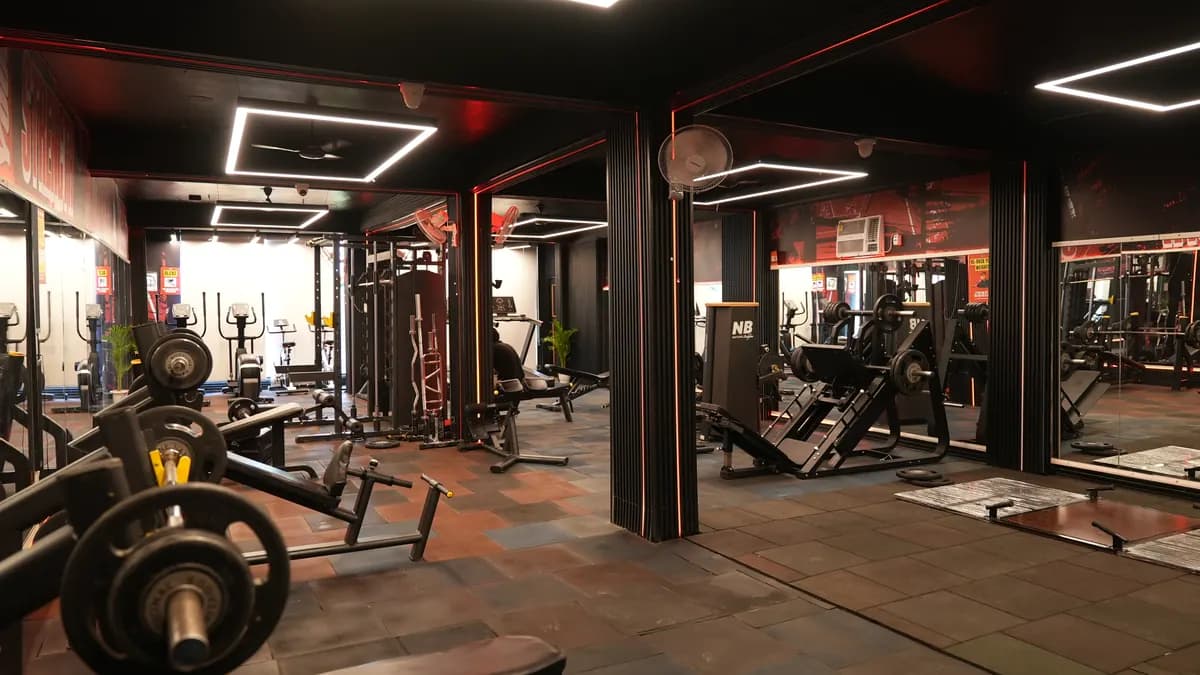
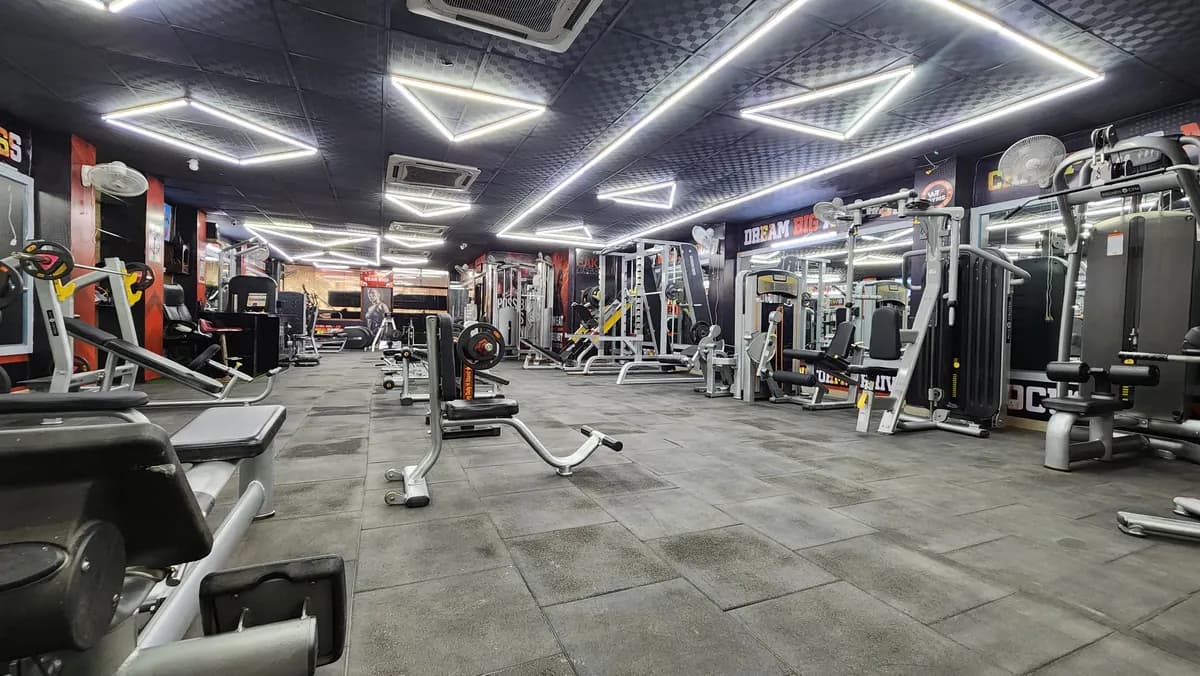
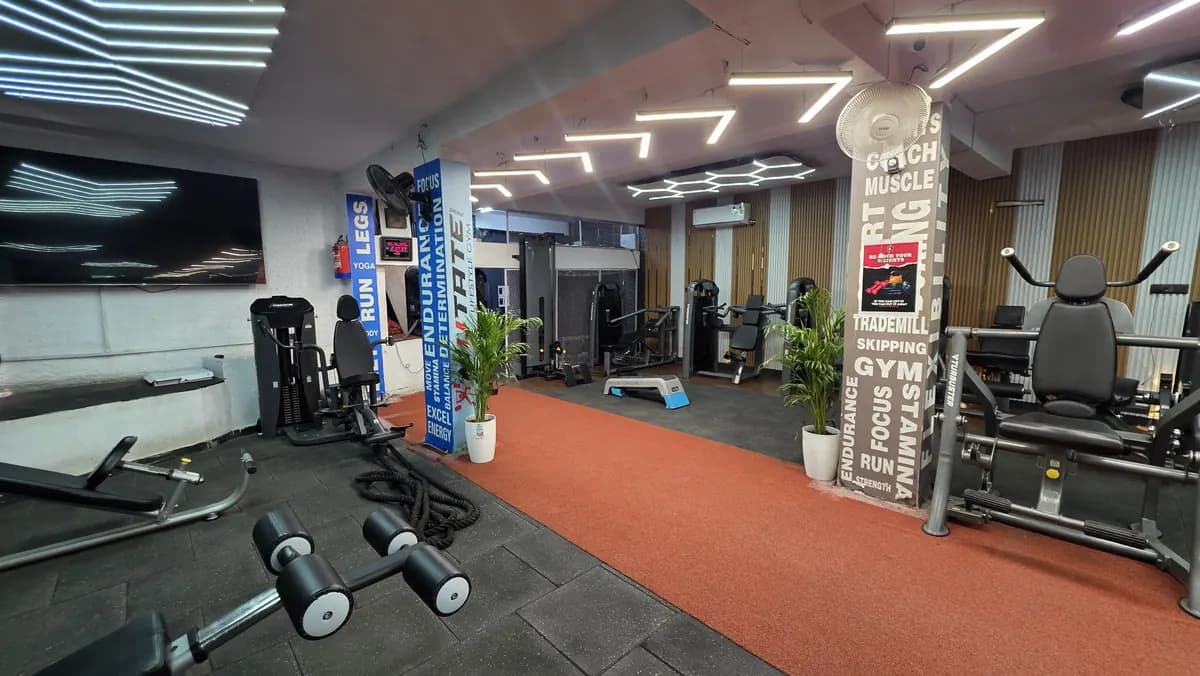
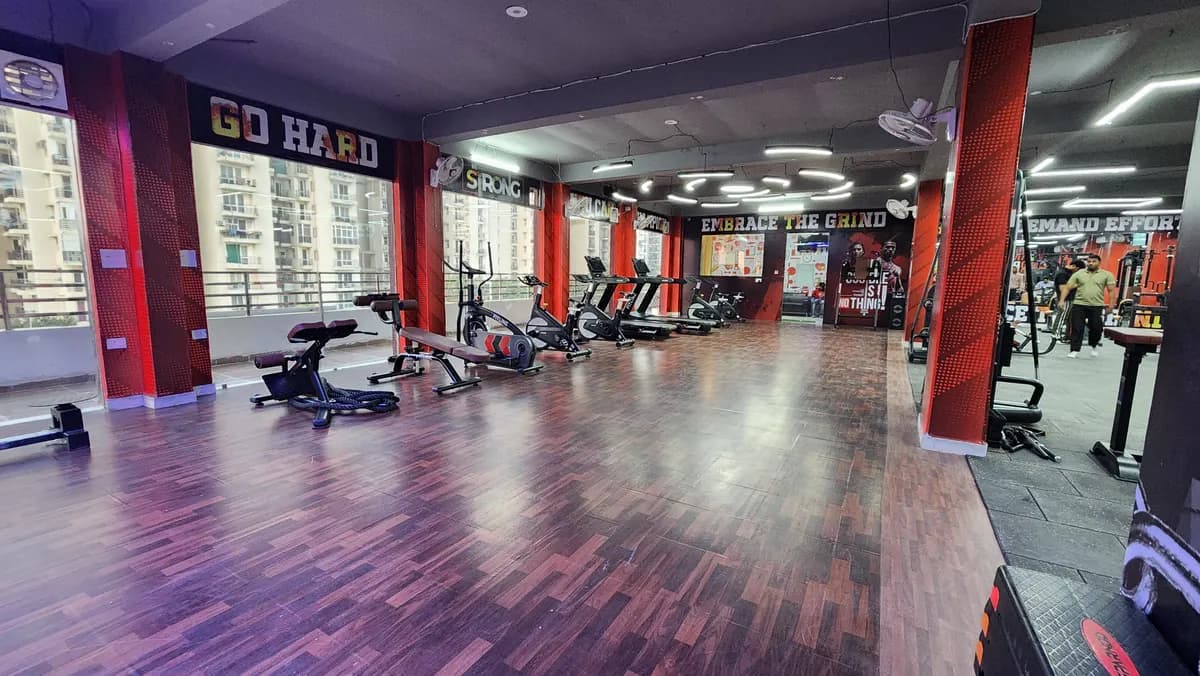
Add facility content. Many gym pages hide the actual gym. Show the reception, training floor, group area, machine layout, cleaning routine, and member flow. A person who has not visited needs to imagine the walk-in experience before they take the step.
Add offer content carefully. If every post is a discount, people learn to wait. Use offers as a clear reason to enquire, not as the whole identity of the page. For offer structure without damaging margin, use the gym offers ideas guide.
- Proof pillar: member progress, attendance discipline, trainer support, class energy.
- Education pillar: form tips, beginner guidance, habit reminders, safety cues.
- Facility pillar: floor walk-through, equipment zone, reception process, hygiene routine.
- People pillar: trainer introduction, staff role, member welcome, owner note.
- Conversion pillar: plan explanation, visit invite, trial session invite, renewal reminder.
A simple Instagram posting system for the gym team
The owner should not be the only person who can create content. Make the system so the floor team captures raw material and the front desk logs enquiries. The owner can approve the tone, offer and sensitive posts. This removes the daily panic of asking, “Aaj kya post karein?”
Create a capture routine. Ask trainers to record short clips during normal training flow, only with member permission. Ask reception to note common enquiry questions. Ask the cleaner or floor supervisor to tell you what was maintained that day. These small inputs become real posts.
Use a content bank. Keep folders for facility, trainers, member proof, offers, classes, FAQs and owner updates. When a post is needed, pick from the folder. Do not keep all content inside one person’s phone. If that person is absent, your posting stops.
Write captions in a local sales voice. Do not write like a motivational poster. A useful caption tells the viewer what they are seeing, who it helps, and what to do next. Keep the call to action direct: DM START, send your goal, book a visit, or ask at reception.
If you want a ready calendar format, use the gym social media content calendar and adapt it to your floor, trainers and offer cycle. Do not copy ideas blindly. A post must match what your gym can actually deliver.
Make a small approval rule. Member faces, transformation images, medical claims, aggressive comparisons and pricing posts should be approved by the owner or manager before publishing. Keep consent clear. If unsure about legal or compliance wording, check with the right professional before posting.
- Capture list: trainer correction, member check-in moment, class clip, machine demo, reception answer.
- Caption formula: what is shown, who it helps, next action.
- Approval rule: owner or manager checks sensitive posts before they go live.
- Storage rule: save content in a shared folder, not only on a personal phone.
- Reuse rule: convert a good reel into a story, a caption answer, and a WhatsApp follow-up message.
Turn followers into walk-ins with DM and comment handling
A gym Instagram page fails when enquiries sit inside DMs without follow-up. Treat every serious message like a walk-in waiting at reception. The person may ask only “fees?” but that does not mean they are only price shopping. Your reply should move the conversation forward.
Do not reply with only a rate card. Ask about the goal, invite the person to visit, and offer a next step. If the person is nearby, push for a visit. If the person is comparing options, send proof and ask when they can come. If the person stops replying, add them to a follow-up list.
Use simple scripts. The script should sound human, not like a bot. Keep placeholders ready so the front desk can respond fast. If the lead moves to WhatsApp, continue the same conversation there. For deeper follow-up templates, use the gym WhatsApp marketing guide.
DM script for new enquiry: Hi [Name], thanks for messaging [Gym]. What is your main goal right now: fat loss, strength, general fitness, or getting back after a break? If you are nearby, we can show you the floor and explain the right plan. When can you visit?
DM script after price question: Hi [Name], I can share plan options, but first tell me your goal and preferred workout time. That helps us suggest the right plan instead of sending a random price list. You can also visit [Gym] on [Date] and we will explain it at reception.
Comment reply script: Thanks [Name]. Sending you details on DM. If you are near [Gym], visit us on [Date] and the team will show you the floor.
Follow-up script after no reply: Hi [Name], checking once. Do you still want to visit [Gym]? If yes, reply VISIT and we will help you with timing.
Walk-in handover note: [Name] asked on Instagram about [Goal]. Preferred timing is [Time]. Invite given for [Date]. Front desk to call and confirm.
- Never leave a serious DM without a next action.
- Do not fight price questions; qualify the goal first.
- Move interested people into call, WhatsApp or visit follow-up.
- Tag the source as Instagram when the lead reaches the front desk.
- Ask every walk-in: did you see us on Instagram, search, referral, or ads?
Use Facebook and YouTube without losing focus
Instagram can be your first social channel, but do not treat other channels as a separate business. Reuse useful content. If a reel explains a form mistake, the same idea can become a Facebook post, a YouTube short video, or a longer YouTube explanation. The core message stays the same.
Use Facebook for local trust and repeat visibility. Post facility updates, class moments, member stories with consent, event announcements, and enquiry prompts. Keep the page alive enough that a person checking your gym does not feel the business is inactive.
Use YouTube for videos that need more explanation. A trainer can explain beginner mistakes, machine setup, workout flow, or what to expect on the first visit. Keep the production simple. Clear audio, clean background and useful instruction matter more than fancy editing.
Do not create content that sends people away from the gym. Every video should end with a practical local step. Ask the viewer to visit, DM, call, or share their goal. If the content only entertains and never moves the person closer to the gym, it is incomplete for business use.
If video feels messy, first define repeatable formats. Trainer explains, member journey, floor tour, class clip, owner answers, and reception FAQ are enough to start. For more format ideas, read the gym video content guide.
Keep the tone similar across channels. The same gym should not sound premium on Instagram, careless on Facebook, and random on YouTube. Write a short tone note for the team: helpful, local, clean, direct, no fake claims, no shouting captions.
- Facebook use: local updates, community proof, enquiry reminders.
- YouTube use: explanations, trainer education, longer facility walkthroughs.
- Reuse rule: shoot once, edit for the channel, keep the same offer truth.
- End rule: every useful video needs a next step for the viewer.
- Tone rule: helpful and direct beats noisy and confusing.
Track what matters and run the Monday review
Likes are not enough for gym social media marketing. The owner needs to know which posts create enquiries, which enquiries become visits, and which visits become members. If nobody tracks this, the page becomes a vanity project and the front desk keeps guessing.
Create a simple sheet. Columns can be source, date, name, phone, goal, first message, owner of follow-up, visit date, status, and notes. Use Instagram, Facebook, YouTube, WhatsApp, call, walk-in, referral and ads as source names. Keep names consistent or the report becomes useless.
Run the review every Monday. Open the sheet, open the inbox, and ask: which posts brought real conversations, which messages were missed, which walk-ins mentioned social media, and which offers created low-quality enquiries? Decide what to repeat and what to stop.
If you are running paid campaigns along with organic posts, measure them separately. Ad spend, lead quality, call pickup, visit rate and joining result should not be mixed with normal posting. For ad structure and copy, use the gym ads guide. For profit thinking, compare campaign results with your own numbers in the gym ROI calculator.
Give the front desk a short reporting format: Instagram leads opened, pending replies, visits booked, visits completed, joined, not interested, follow-up due. The owner should see this in a quick review, not discover it after the month is already gone.
Also track content quality. Save posts that created strong questions. Save captions that made people reply. Save stories that led to visit bookings. Build your own internal swipe file. Your gym’s audience will tell you what to repeat if you watch the replies.
If you want an outside check on your gym Instagram, lead follow-up and weekly tracking, book the free gym audit. The team calls the same day.
- Track source, goal, follow-up owner, visit status and joining status.
- Review missed DMs before planning new posts.
- Separate paid enquiries from organic enquiries.
- Ask walk-ins what they saw before visiting.
- Repeat content that creates conversations, not only content that gets likes.